

In Priority's top menu, click System Management.
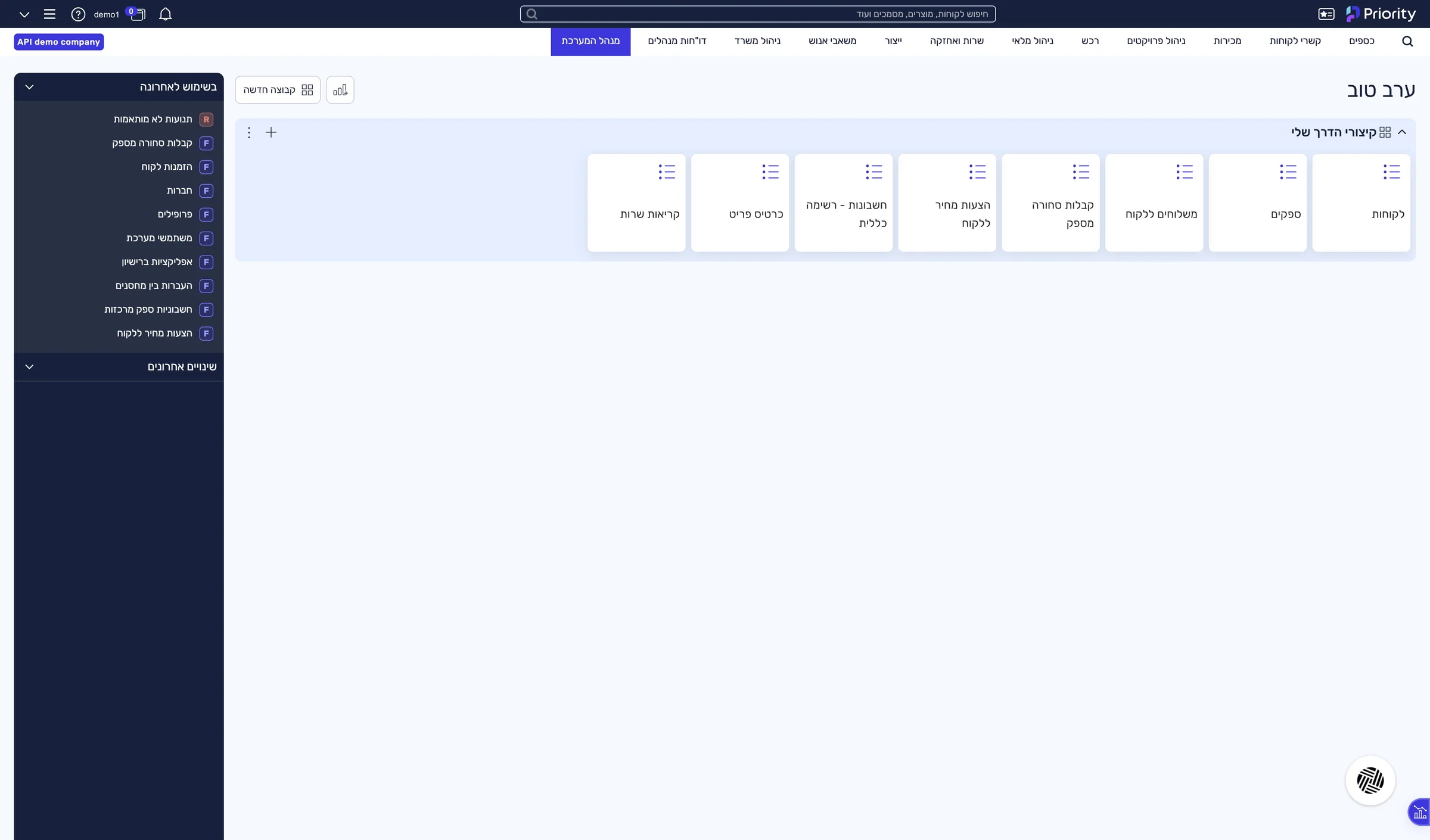
The System Management menu is open.
Guide · Make
One address from Priority, and the three connection values inside it: the server address, the settings file and the company name.
In Priority's top menu, click System Management.
The System Management menu is open.
System Maintenance › Users › Send Link to Activate Software
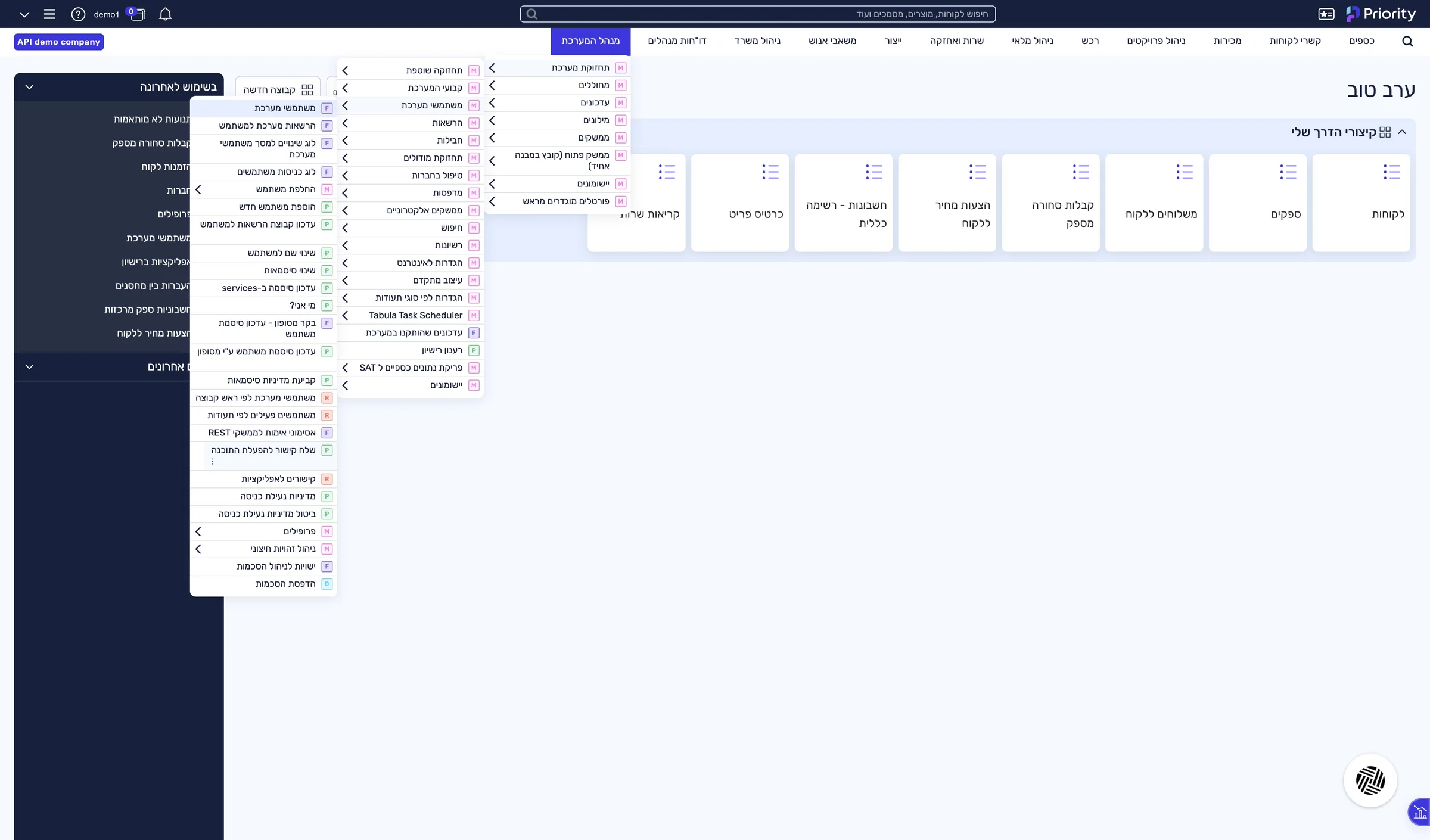
A “Request Type” window opens.
Check API and click OK.
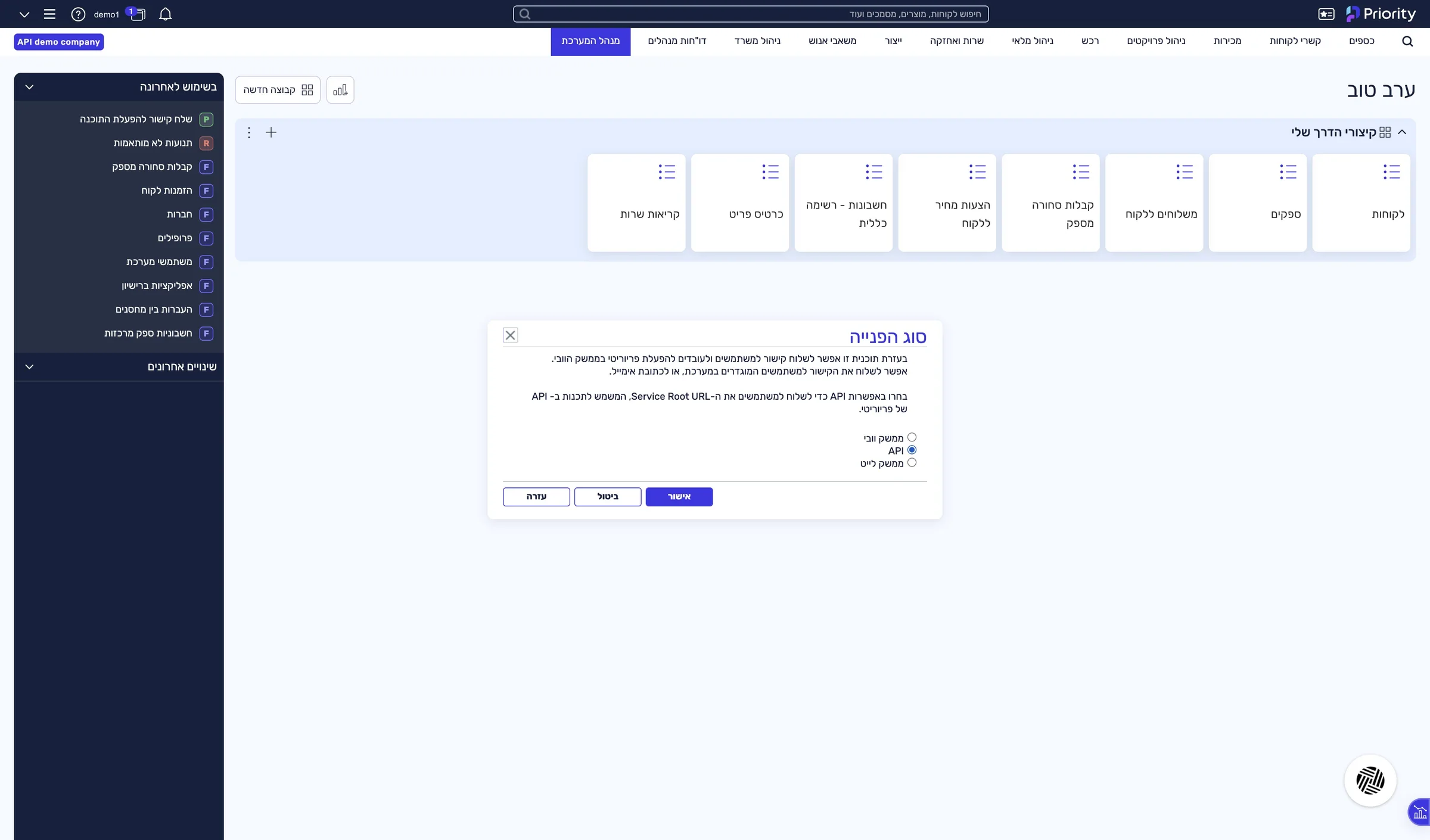
A “Parameter Input” window opens.
Check Display link and click OK.
A window with the address opens.
Select the full address and copy it (Ctrl+C).
In the window the address breaks over two lines. Copy it as one piece. Priority also emails it to the system manager, and it is easier to copy from there.
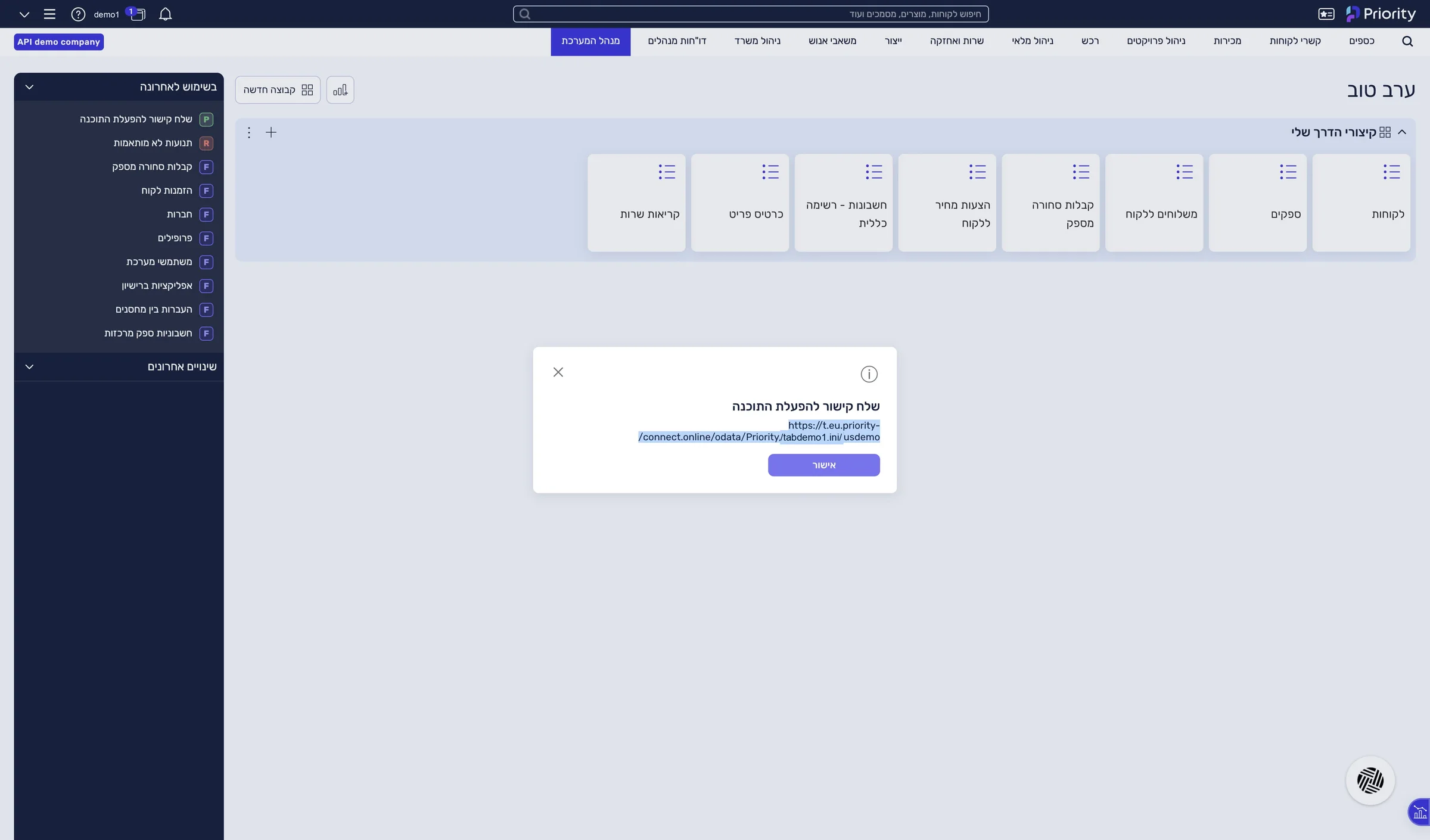
The full address, ending in the company name, is on your clipboard.
The address you copied splits into three values you need for the connection:
https://p.priority-connect.online/odata/Priority/tabdemo1.ini/usdemoPaste your address into the address checker — it splits it for you →
This guide is step 3 of 7 in the journey Connecting Priority to the LeonAI app in MakeThe same content, in its place in the sequence.
To the journey