

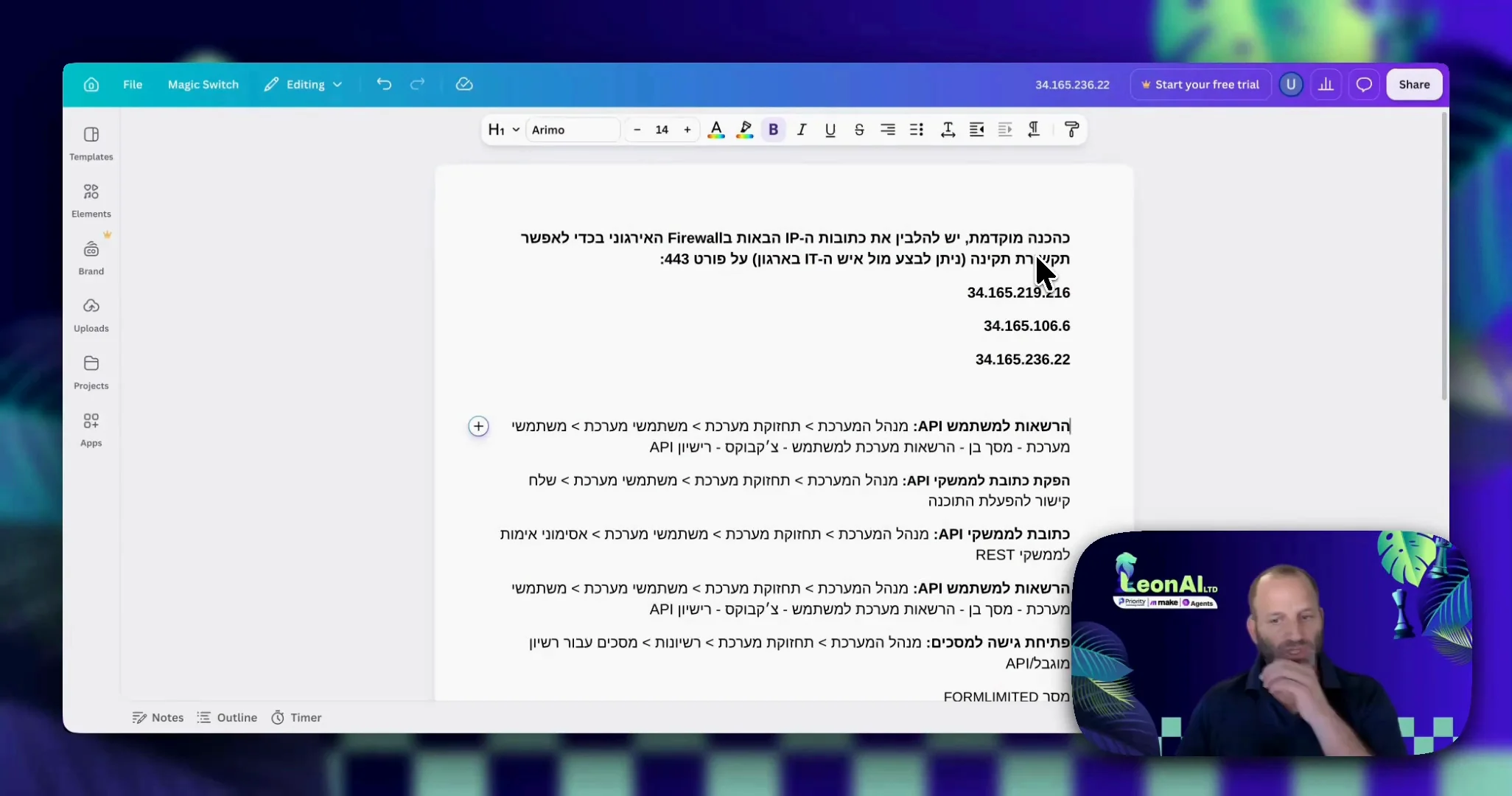
Ask them to allow incoming access in your organization's firewall from LeonAI's three IP addresses, on port 443.
Your IT person confirmed that the three addresses are open on port 443.
Guide
LeonAI reaches Priority from three fixed IP addresses. If your server is behind a firewall, allow them.
Ask them to allow incoming access in your organization's firewall from LeonAI's three IP addresses, on port 443.
Your IT person confirmed that the three addresses are open on port 443.
Connection timed out: make sure the address is reachable from the internet and that the firewall allows the IP addresses in the prerequisites.
This guide is step 1 of 7 in the journey Connecting Priority to the LeonAI app in MakeThe same content, in its place in the sequence.
To the journey