

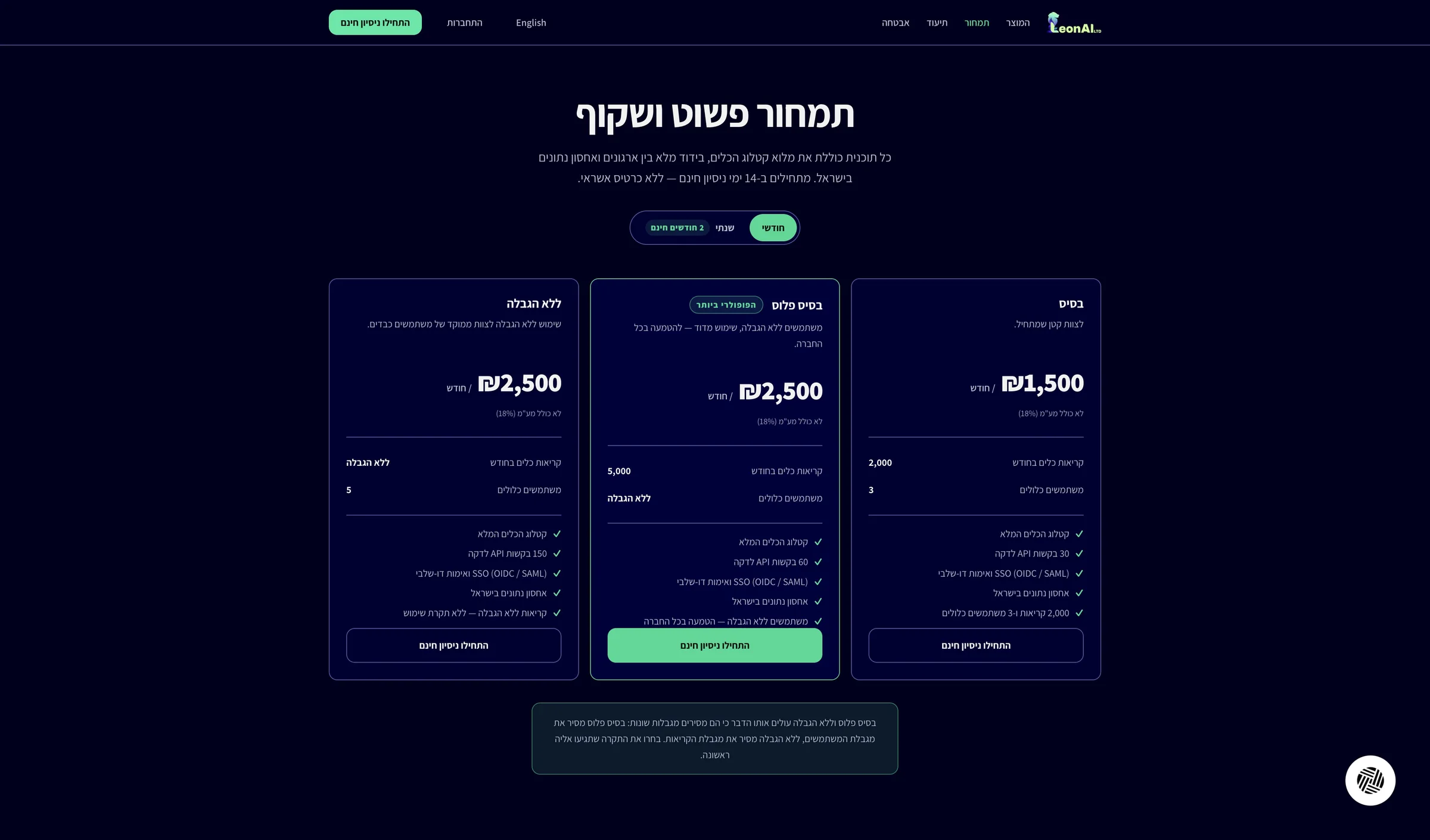
On the pricing page choose a plan and click the sign-up button.
A credit card is required. The current offer and charge terms are shown on the MCP site before you confirm.
The LeonAI Priority MCP sign-up form is open, on step one of two.
Guide · Claude (MCP)
Sign up for LeonAI Priority MCP with your email and a verification code. A credit card is required; the offer and charge terms are shown on the MCP site before you confirm.
On the pricing page choose a plan and click the sign-up button.
A credit card is required. The current offer and charge terms are shown on the MCP site before you confirm.
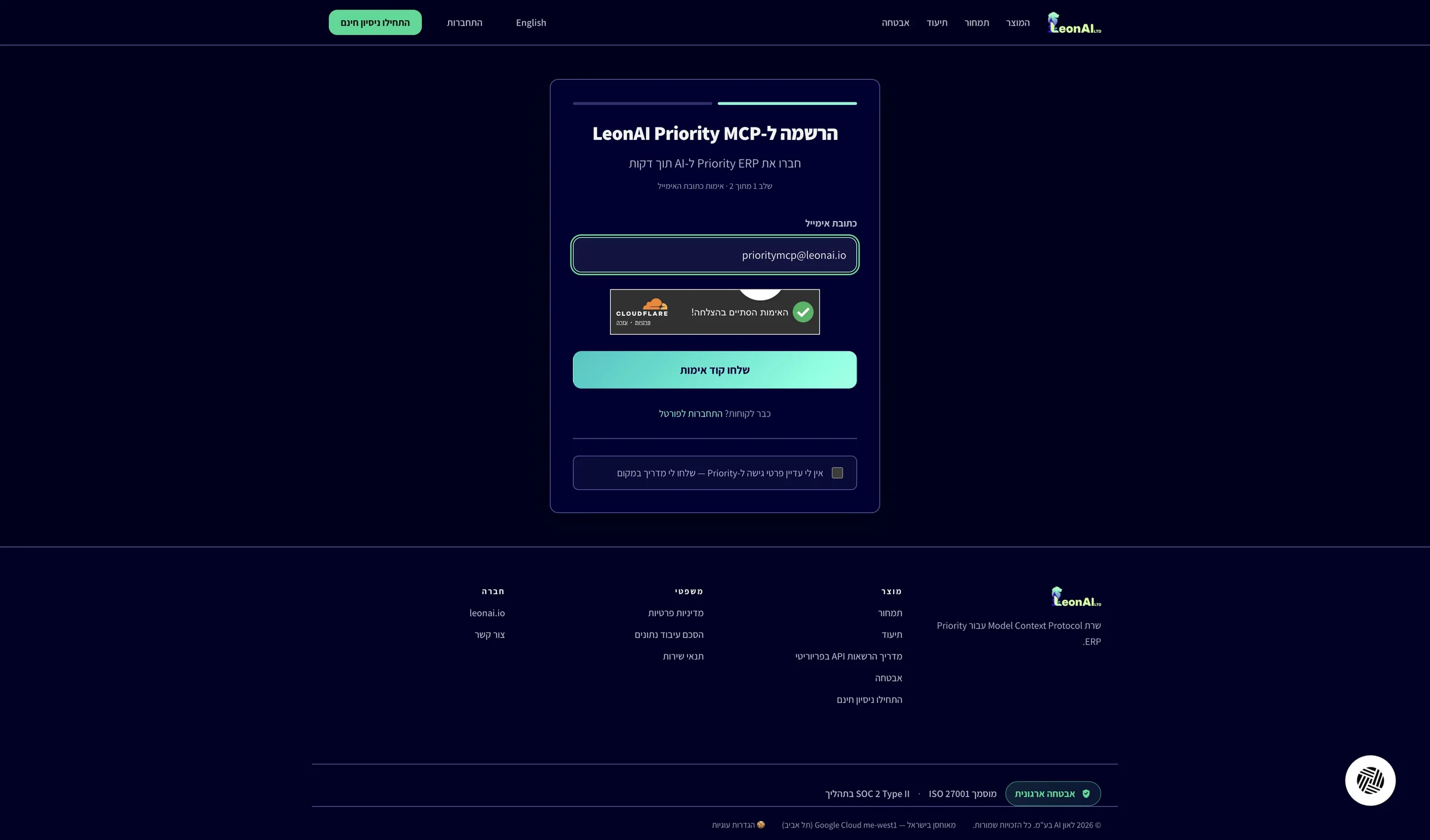
The LeonAI Priority MCP sign-up form is open, on step one of two.
Enter the email address of whoever will manage the account, wait for the Cloudflare check and click Send verification code.
The verification code, the welcome email and later sign-in codes go to this address. If you do not have Priority access details yet, check the option at the bottom of the form to get a guide instead of continuing now.
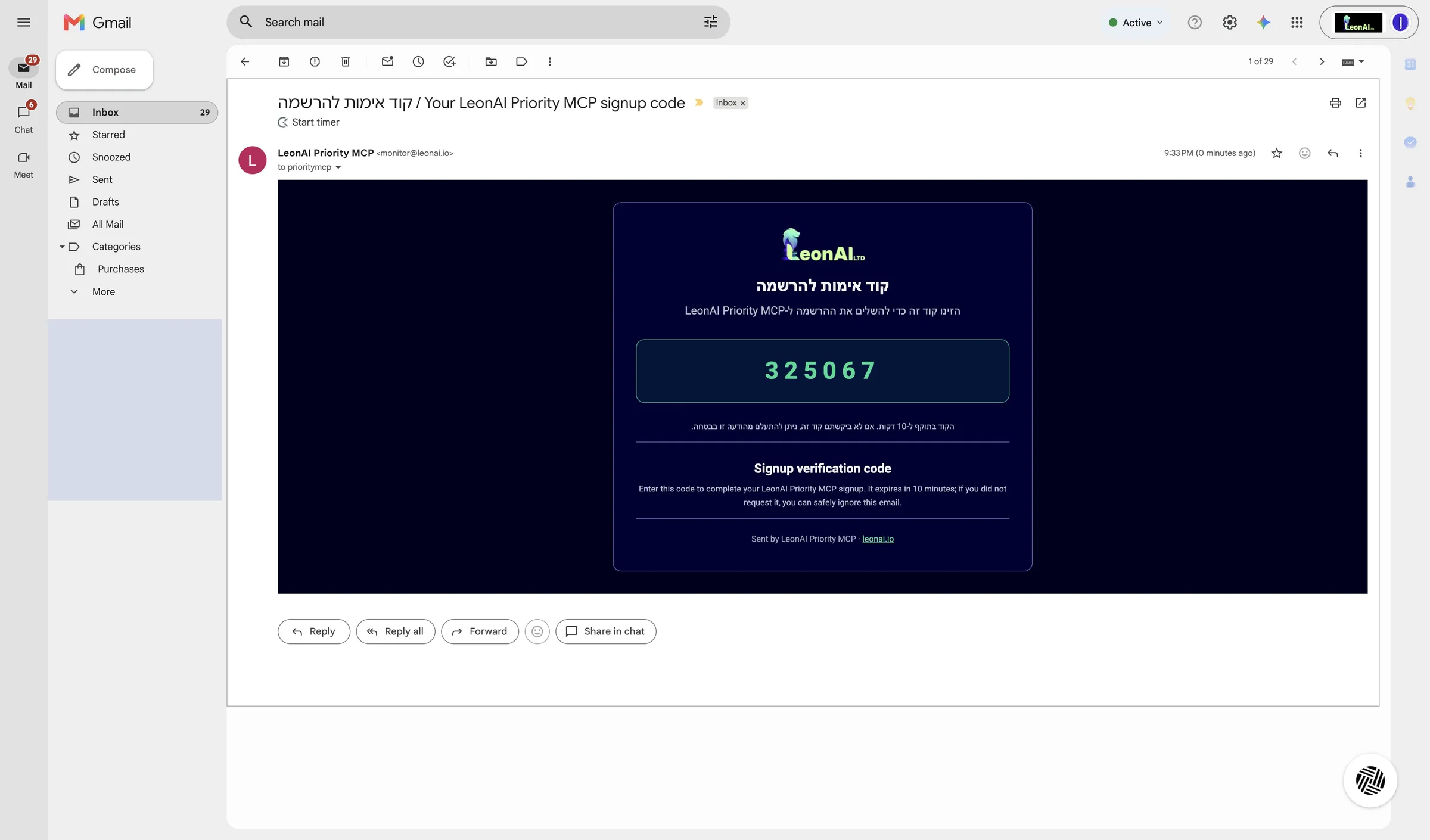
The Cloudflare check passed, and the code was sent to the address you entered.
In your inbox, open the email Sign-up verification code from LeonAI Priority MCP, then select and copy the 6-digit code.
The email comes from monitor@leonai.io and usually arrives within a minute. The code is valid for 10 minutes, so paste it into the sign-up form soon.
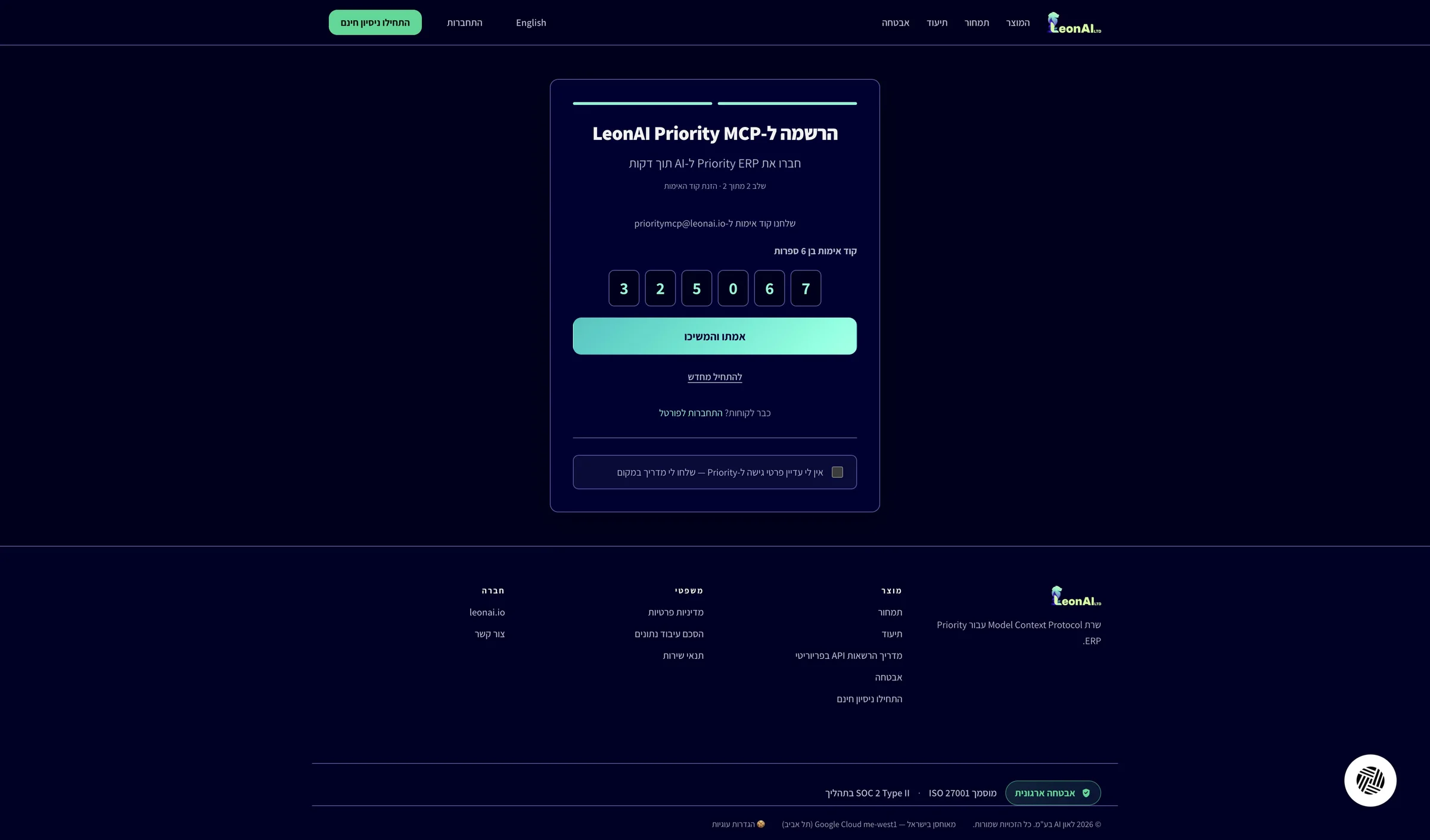
You have a 6-digit code received in the last few minutes.
Paste the code into the six boxes and click Verify and continue.
This is the second and last step of sign-up.
Your email is verified. Keep the LeonAI tab open — you will connect Priority in it next.
The sign-up code email did not arrive
The email comes from monitor@leonai.io and usually arrives within a minute.
The sign-up code has expired
This guide is step 1 of 9 in the journey Connecting Priority to Claude with LeonAI Priority MCPThe same content, in its place in the sequence.
To the journey