

System Management › System Maintenance › Users › Users
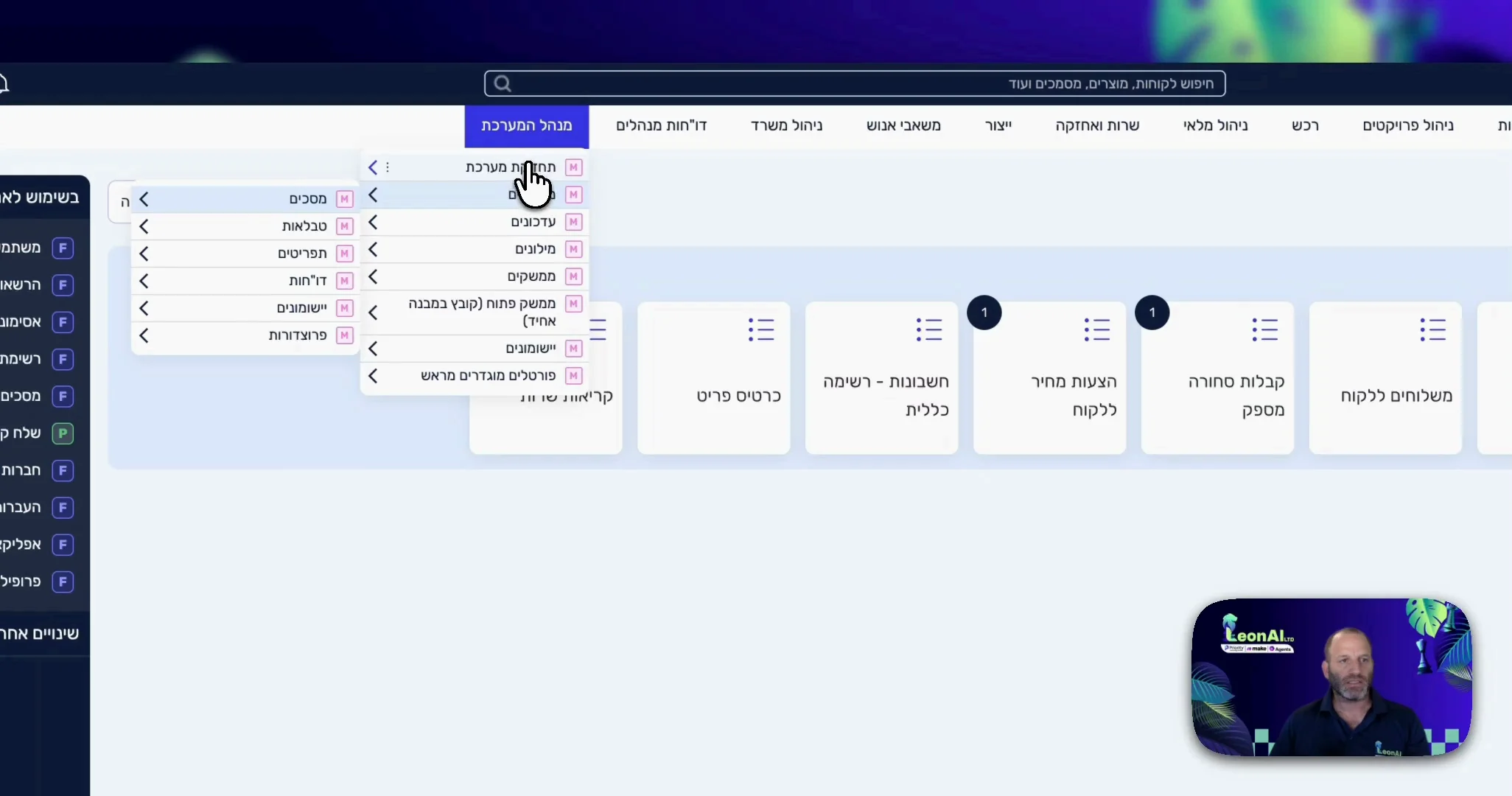
The System Users form is open.
Guide · Make
LeonAI works in Priority as one user. That user must have an API licence.
System Management › System Maintenance › Users › Users
The System Users form is open.
Select the user you will connect and open the User's System Privileges tab.
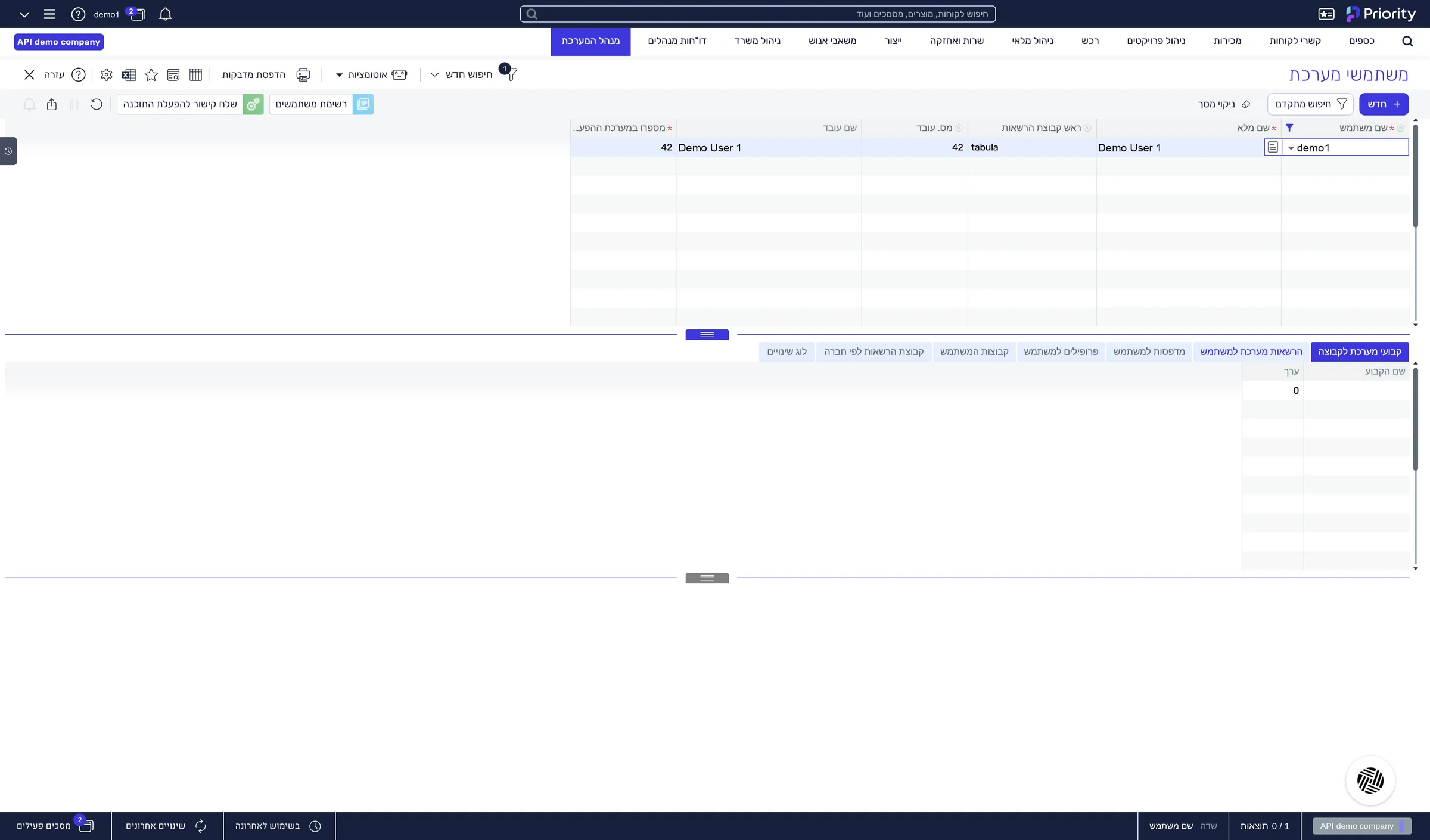
The User's System Privileges tab is open.
Go to License and make sure the API License box is checked.
If the box is not checked, the user cannot be connected. Contact your Priority administrator before you continue.
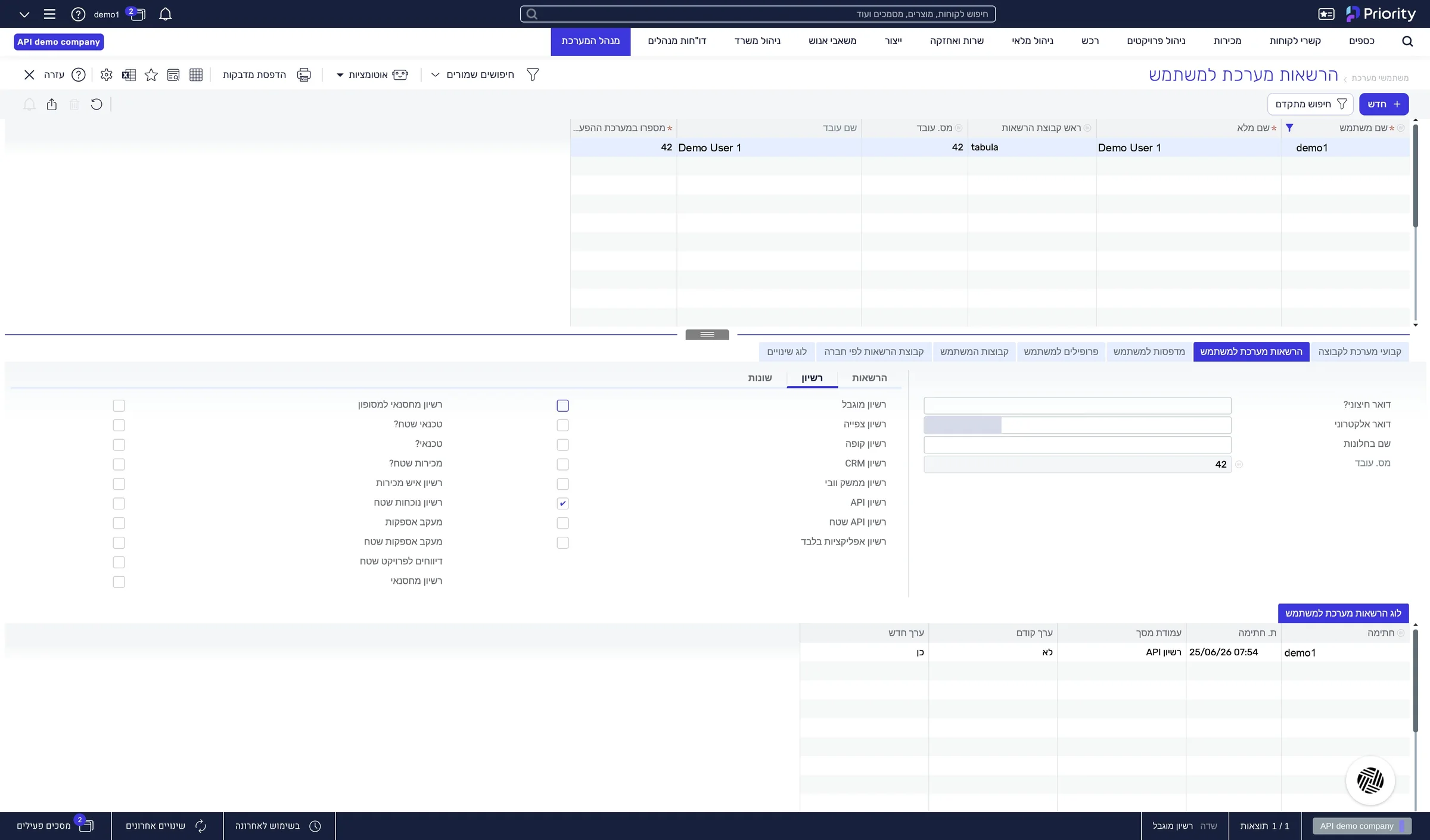
The “API License” box is checked for the user.
This guide is step 2 of 7 in the journey Connecting Priority to the LeonAI app in MakeThe same content, in its place in the sequence.
To the journey